








Hybrid video storage
On-premise reliability. Cloud-managed control.
The alarm.com difference
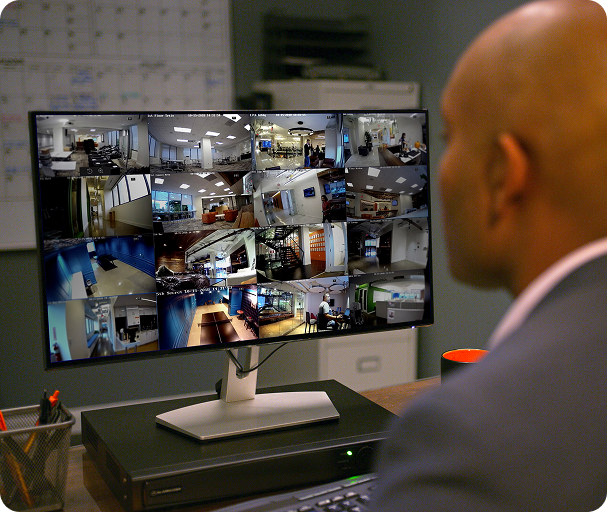
Hybrid architecture built for commercial scale
The reliability of local recording combined with the power of cloud management.
Record through disruptions
Local recording continues through internet outages, so no incident get missed.
A timeline of all activity
Jump directly to important video events without scrubbing through hours of footage. Export from the cloud or local recorder.

Bandwidth friendly
Only exceptions are sent to the cloud, minimizing bandwidth impact.
Cloud storage for events
Event-based video clips capture key activity detected and store it securely in the cloud for backup.

A visual timeline of all activity and events
The SmartView timeline displays a continuous record of all camera activity. Search by motion location, jump to event markers, or scrub to the moment you need.

Know when a camera needs attention
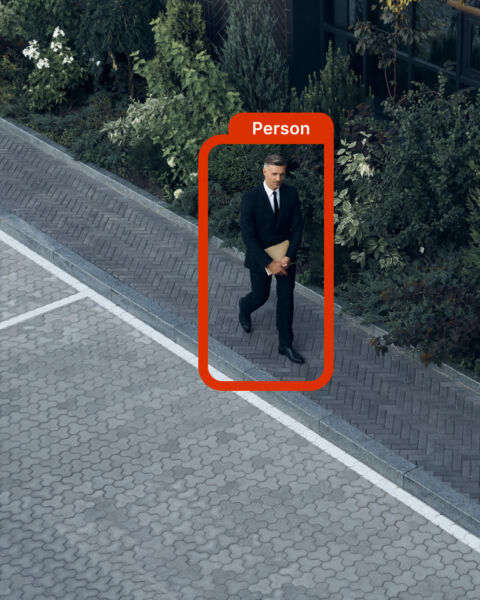
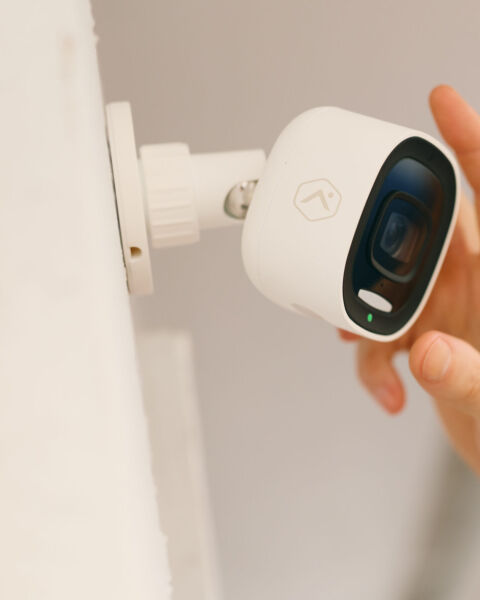
Video Health Reports alert when cameras go offline, views become obstructed, or recording issues occur so you can address them before they're needed.

Centralized site-by-site video export and delivery
Export footage as MP4 files. Track download progress, retry failed exports, and manage bulk actions. Or, insert an external hard drive or USB into an SVR to securely download clips.

AI search that speeds up incident investigation
Search across event clip thumbnails using plain language. For example: “white van that entered the north lot after 6 p.m. this week.” Results surface in seconds, without manual scrubbing.2

Designed for the demands of real operations

Recording rules and local schedules
Define what triggers clip uploads, and when recording schedules are active.

Clip upload management
Alerts flag unexpected clip usage early, giving you time to adjust recording rules.

Retention configuration
Adjust cloud and local retention to meet operational and compliance requirements.

Camera Device Quick Links
Link cameras to doors and access readers to tie activity to related footage.

Alert routing and notifications
Route camera and storage alerts to the right person by role and location.

Manage every location from one view
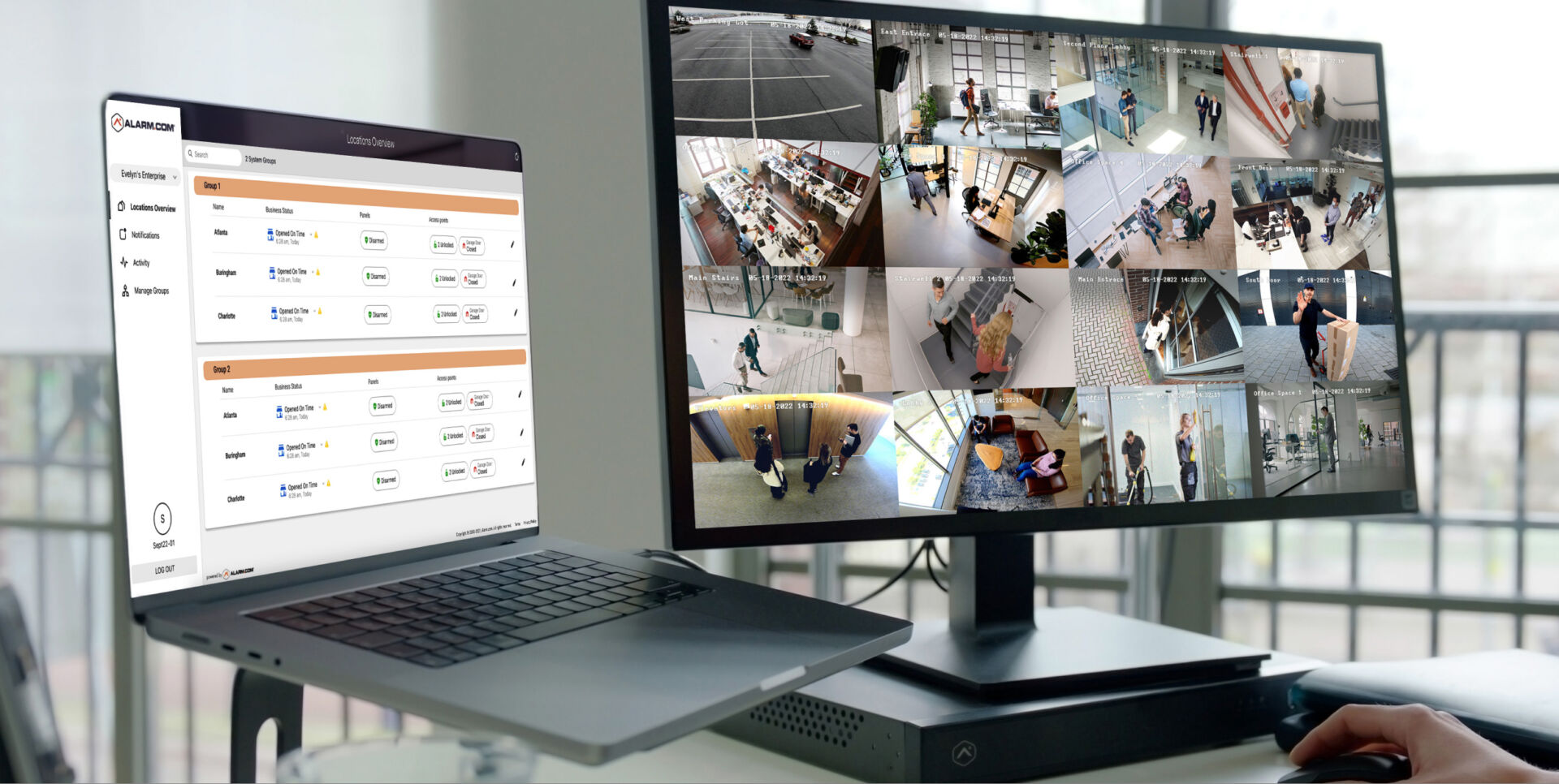
Monitor status, review activity, and adjust settings across all properties in one place.
EXPLORE Capabilities
Solutions that extend your video system

Explore Stream Video Recorders
Find the right SVR for your deployment
![ProEXR File Description
=Attributes=
channels (chlist)
compression (compression): Zip16
dataWindow (box2i): [0, 0, 2999, 1799]
displayWindow (box2i): [0, 0, 2999, 1799]
lineOrder (lineOrder): Increasing Y
pixelAspectRatio (float): 1
screenWindowCenter (v2f): [0, 0]
screenWindowWidth (float): 1
type (string): "scanlineimage"
=Channels=
A (float)
B (float)
G (float)
PuzzleMatte 1.blue (float)
PuzzleMatte 1.green (float)
PuzzleMatte 1.red (float)
PuzzleMatte.blue (float)
PuzzleMatte.green (float)
PuzzleMatte.red (float)
R (float)
logo.blue (float)
logo.green (float)
logo.red (float)](https://alarm.dev.adcinternal.com/assets/images/_480xAUTO_crop_center-center_80_none_ns/964d75ab2b52d5e80aa90a25a2080aa1ead6b4f4.png)
Pro Series CSVR (2000P)
ADC-CSVR2000P
Pro Series CSVR (2008P)
ADC-CSVR2008P
Pro Series CSVR (2016P)
ADC-CSVR2016P
Pro Series CSVR (2108P)
ADC-CSVR2108P
Pro Series CSVR (2116P)
ADC-CSVR2116P
SVR210
ADC-SVR210
Frequently asked questions

NEXT STEP
Ready to get serious?
See how a connected, professionally-backed platform can simplify operations and keep your business protected.